Deploy your apps with a git push
/dev/push is an open source alternative to Vercel and Render, allowing you to deploy your apps straight from GitHub.
/dev/push is an open source alternative to Vercel and Render, allowing you to deploy your apps straight from GitHub.
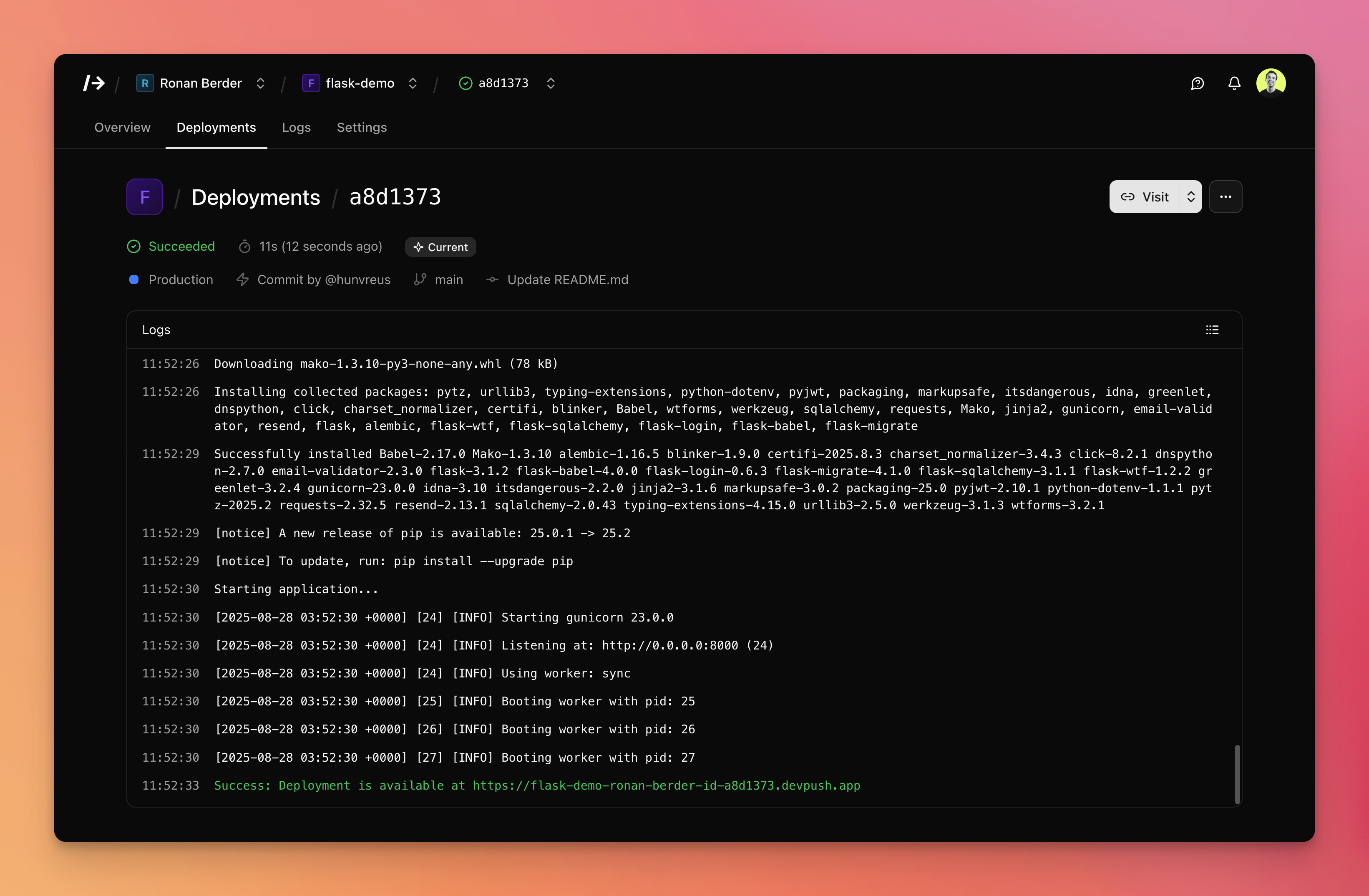
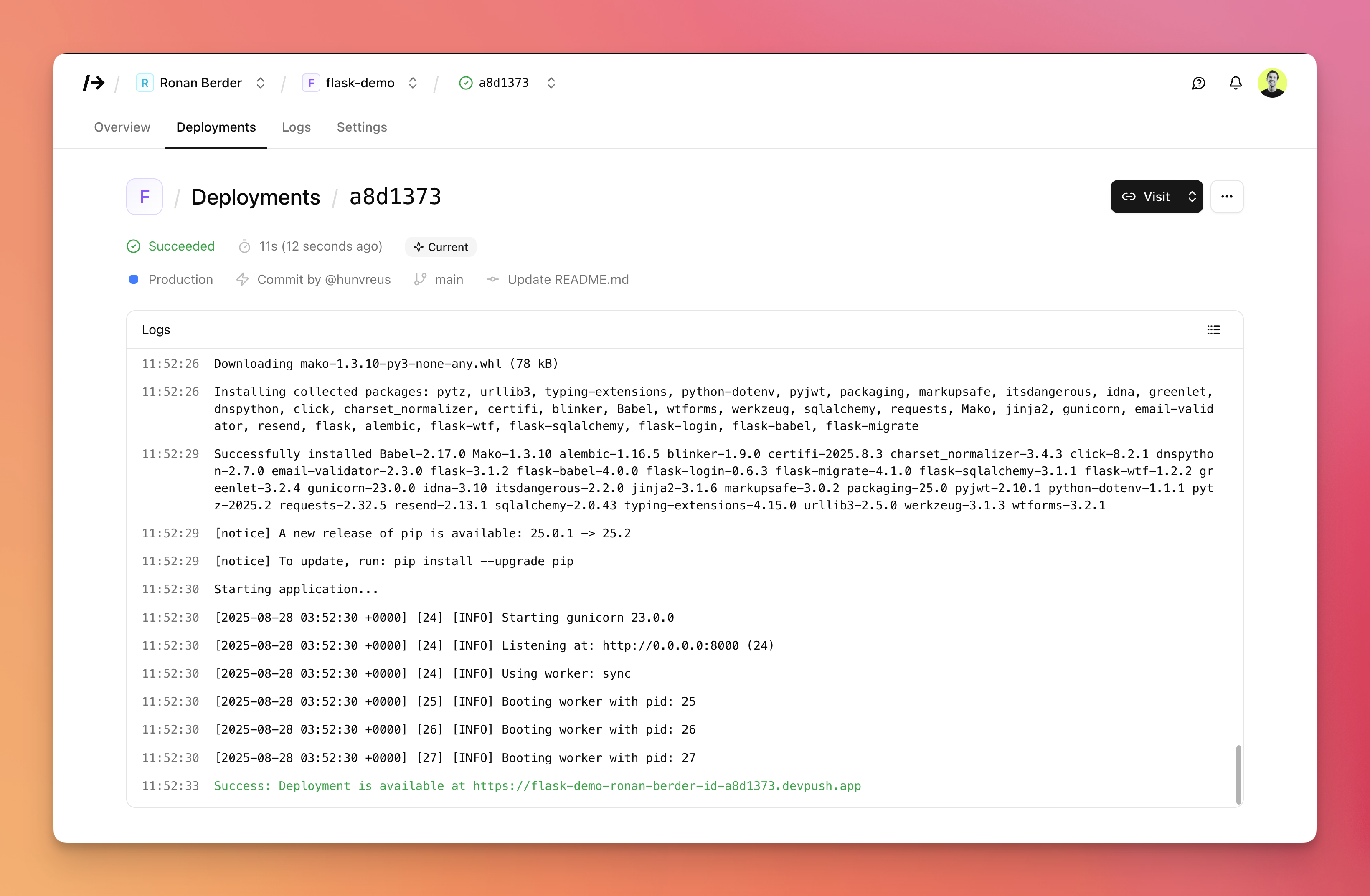
Your app is deployed every time you push to GitHub. You can also deploy any commit.
Define multiple environments for your app, and map branches to them.
New builds are seamlessly put in production as soon as they build and run successfully.
Build and runtime logs streamed in real-time for each deployment, fully searchable.
Made a mistake? Roll back to the previous environment alias without rebuilding.
Customize the entire deployment process: build commands, start commands, and more.
Add environment variables to your project and let your team access them safely.
Get a URL for each deployment, and aliases for the latest deployment in an environment or branch.
We support Python (FastAPI, Flask, Django, ...), Node.js and soon PHP.
Add your own domains and get SSL certificates automatically.
Create teams, invite users, share projects and manage permissions.
We're open source (MIT license), free to use and self-host.
 hunvreus/devpush
Manage SQLite databases per environment.
Create files per environment for each project.
Deploy apps on custom Docker containers.
Manage multiple nodes from a single dashboard.
Real-time monitoring of core metrics: CPU, RAM, network...
Scale up or down the resources environments have access to.
Run scheduled tasks in your app.
Manage SQLite databases per environment.
Create files per environment for each project.
Deploy apps on custom Docker containers.
Manage multiple nodes from a single dashboard.
Real-time monitoring of core metrics: CPU, RAM, network...
Scale up or down the resources environments have access to.
Run scheduled tasks in your app.
Yes, /dev/push is 100% free and open source, you can host it on your own server. There is an online demo which you can use to try it out and resets every hour (do not use it for production).
I may add support for GitLab and Bitbucket (it should be easy enough), but for now I've decided to focus on the more popular platform. If you want to help, feel free to send a PR: github.com/hunvreus/devpush.
My name is Ronan Berder (@hunvreus). I live in Singapore. I went back to writing software after years of building (and ultimately selling) a consultancy in China.
I went back to programming a little over a year ago. My first project was built with Next.js. I ended up being frustrated with the JavaScript ecosystem and switched to Python, but I still wanted to have an experience on par with Vercel. There weren't a lot of options for Python apps, so I thought I'd build my own thing.
You can find more info in the README, but at its core it's a web app which helps orchestrate the deployment of your project in a Docker container. The web app is built with FastAPI, HTMX and Basecoat. I use Docker Compose, Docker CLI and Traefik under the hood. You can pretty easily add a new stack with a base Docker image and a bit of metadata.